 SONA Robotics
01 · Launch OrbiRob in Gazebo
Start with the robot model, simulated sensors and an indoor world.
ORBIROB + GAZEBO
Gazebo lets students and researchers start without waiting for robot time, repeat experiments consistently and learn the ROS 2 workflow before working with the physical platform.
1
ROS 2 workflow
2
Simulation + hardware
Repeatable
Experiments
Safer
Early development
ORBIROB · DEMOS
Explore the Gazebo demonstration and a separate recording of OrbiRob navigating in the real world.
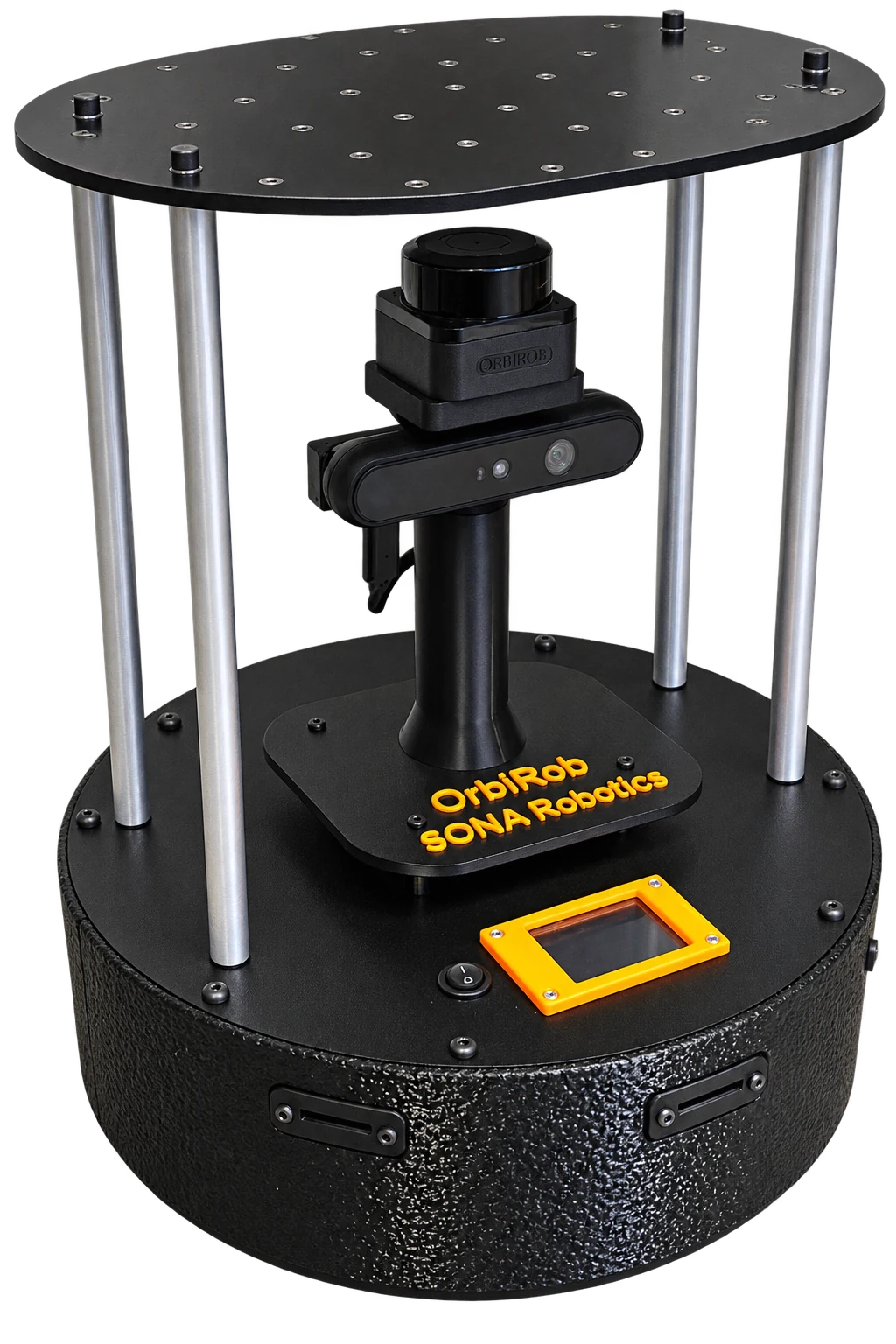
OrbiRob operating in the Gazebo simulation environment.
Real-world autonomous navigation demonstration.
WORKFLOW
Start with the robot model, simulated sensors and an indoor world.
Write navigation, perception or mission logic against standard ROS 2 interfaces.
Repeat tests, inspect topics and tune behaviour without risking hardware.
Move the application to the physical robot and test against real sensor noise, traction and obstacles.
TEACHING VALUE
Student groups can develop on their own computers before scheduled laboratory time.
Give every group the same world, goal and starting condition for comparable results.
Incorrect commands and unstable algorithms can be discovered before they reach real motors.
Students experience exactly why real robotics differs from simulation when they deploy to hardware.
RESEARCH VALUE
The goal is not to make the real robot disappear. Gazebo gives the laboratory a fast, repeatable development layer; OrbiRob then exposes the algorithm to the effects that matter in physical robotics — sensor noise, imperfect odometry, dynamic obstacles and real timing.
We can demonstrate the same ROS 2 task first in Gazebo and then on OrbiRob during an online university session.